π Free Worldwide Shipping on All Orders!Shop Now
HomeStore
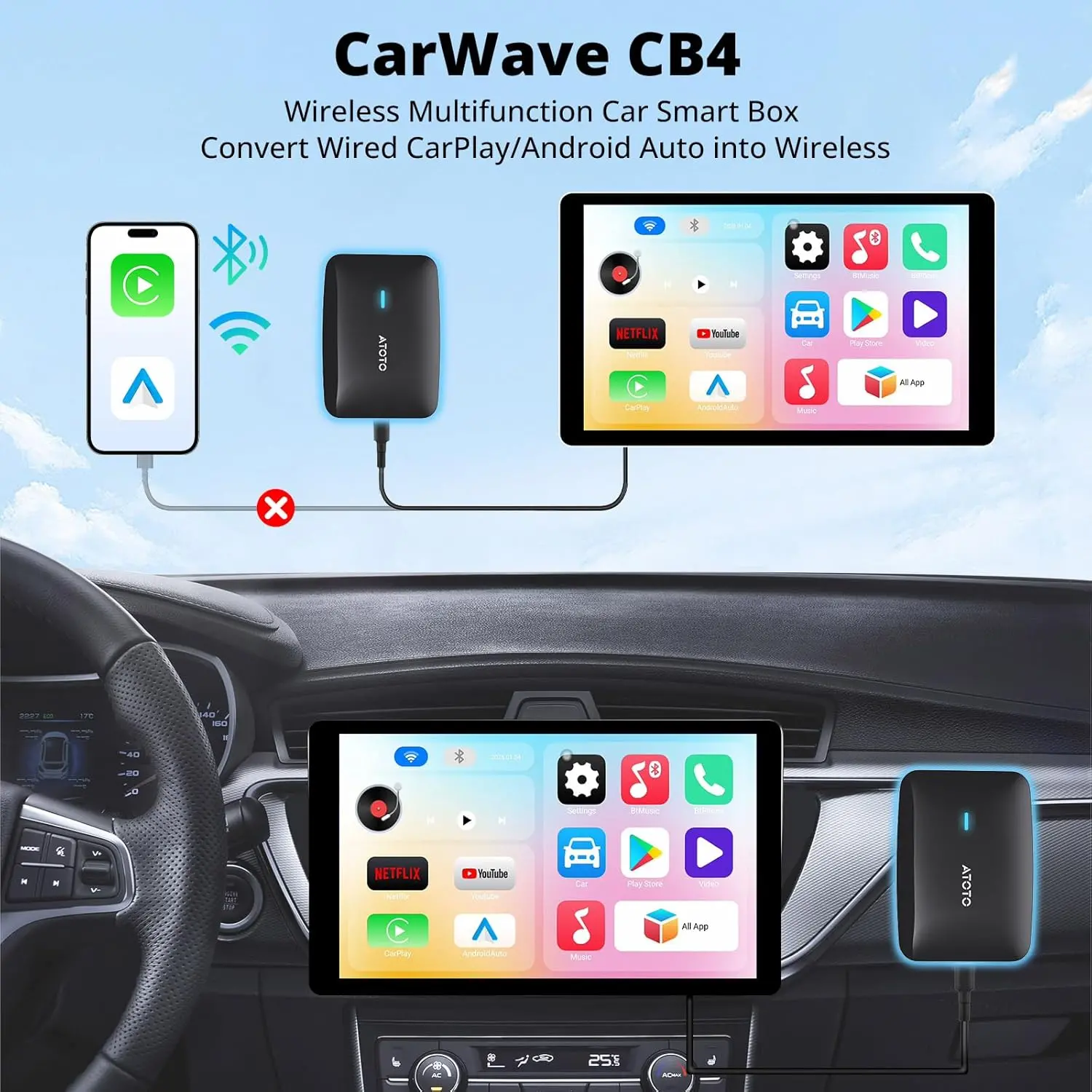
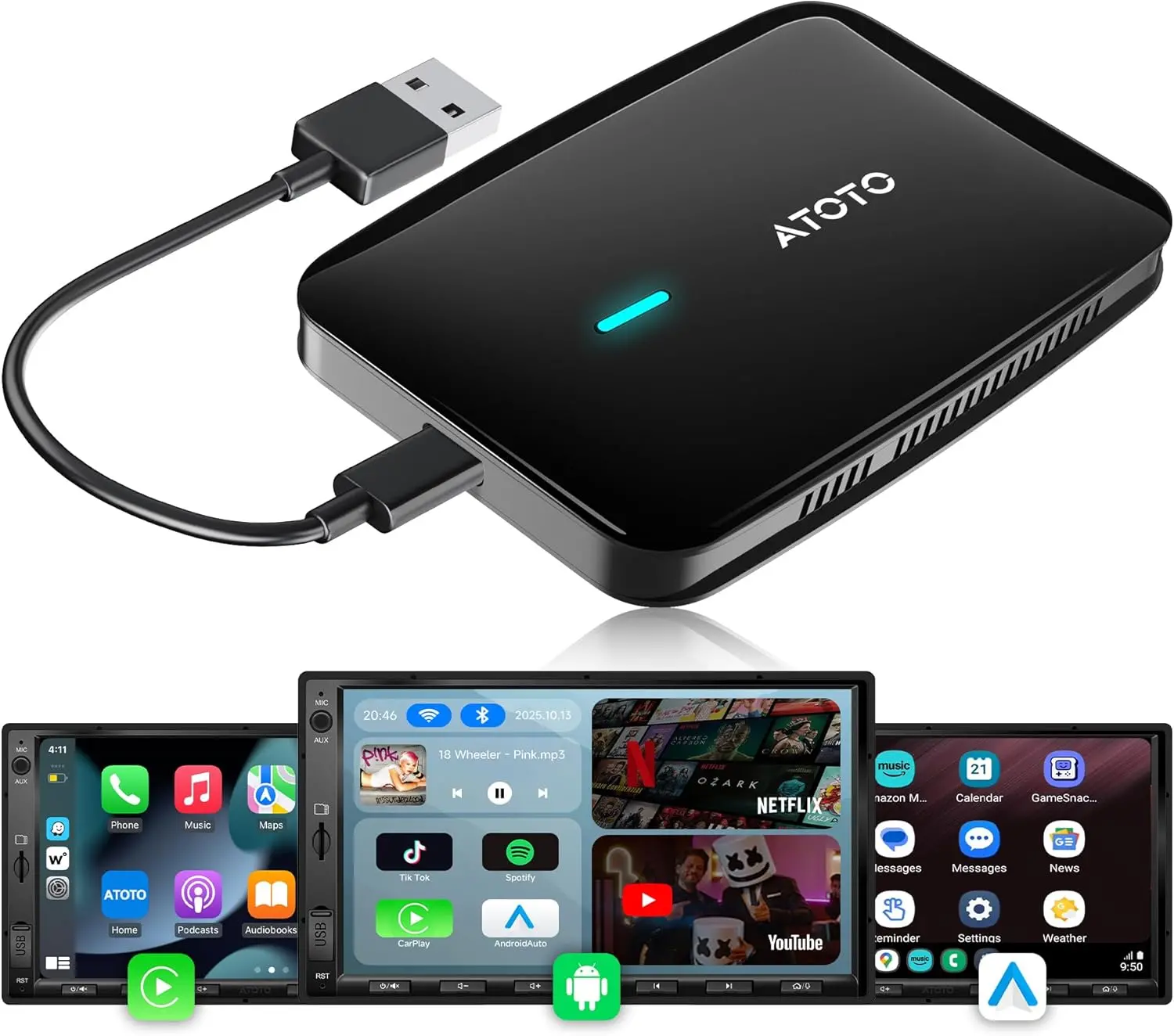
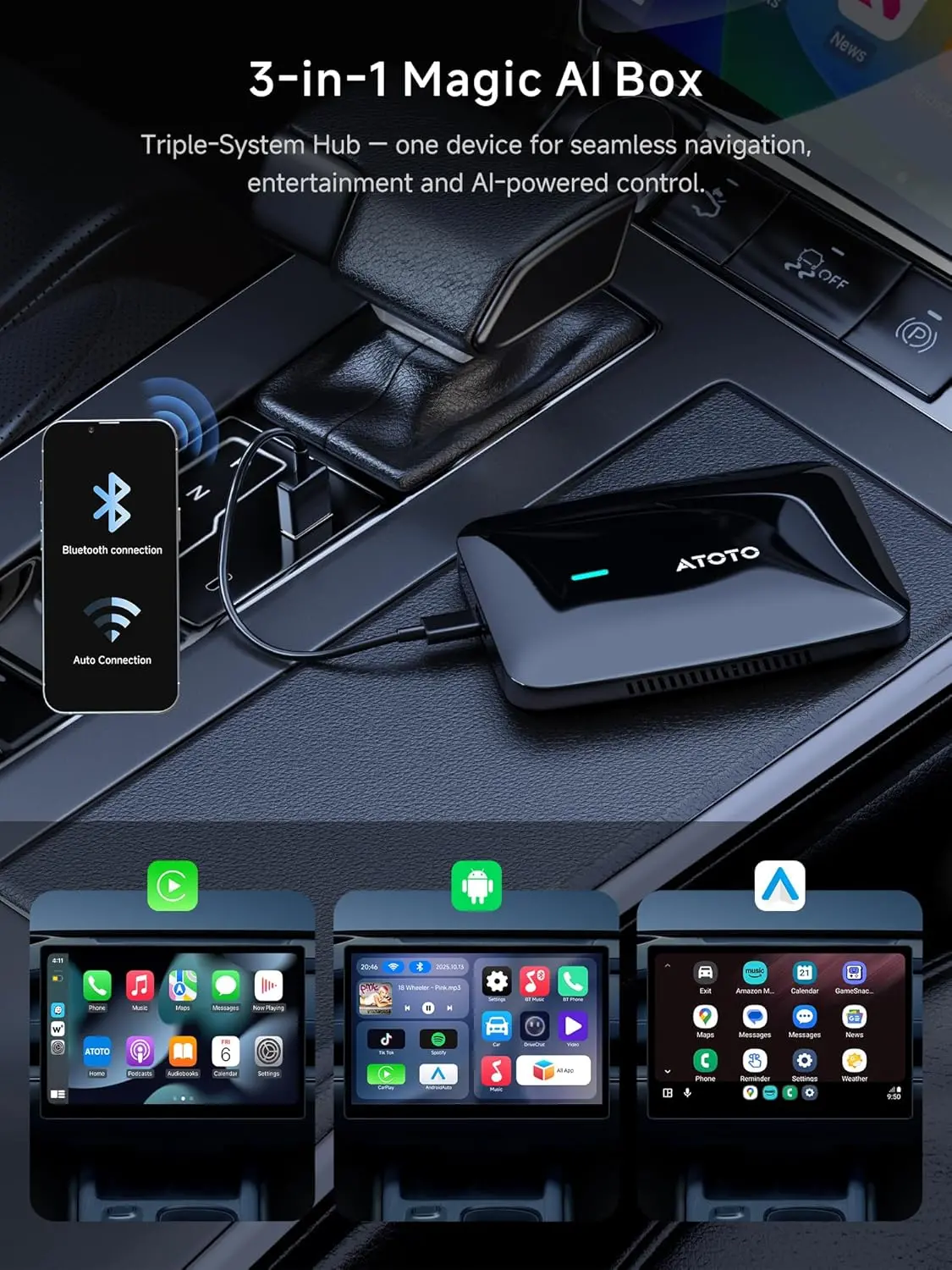
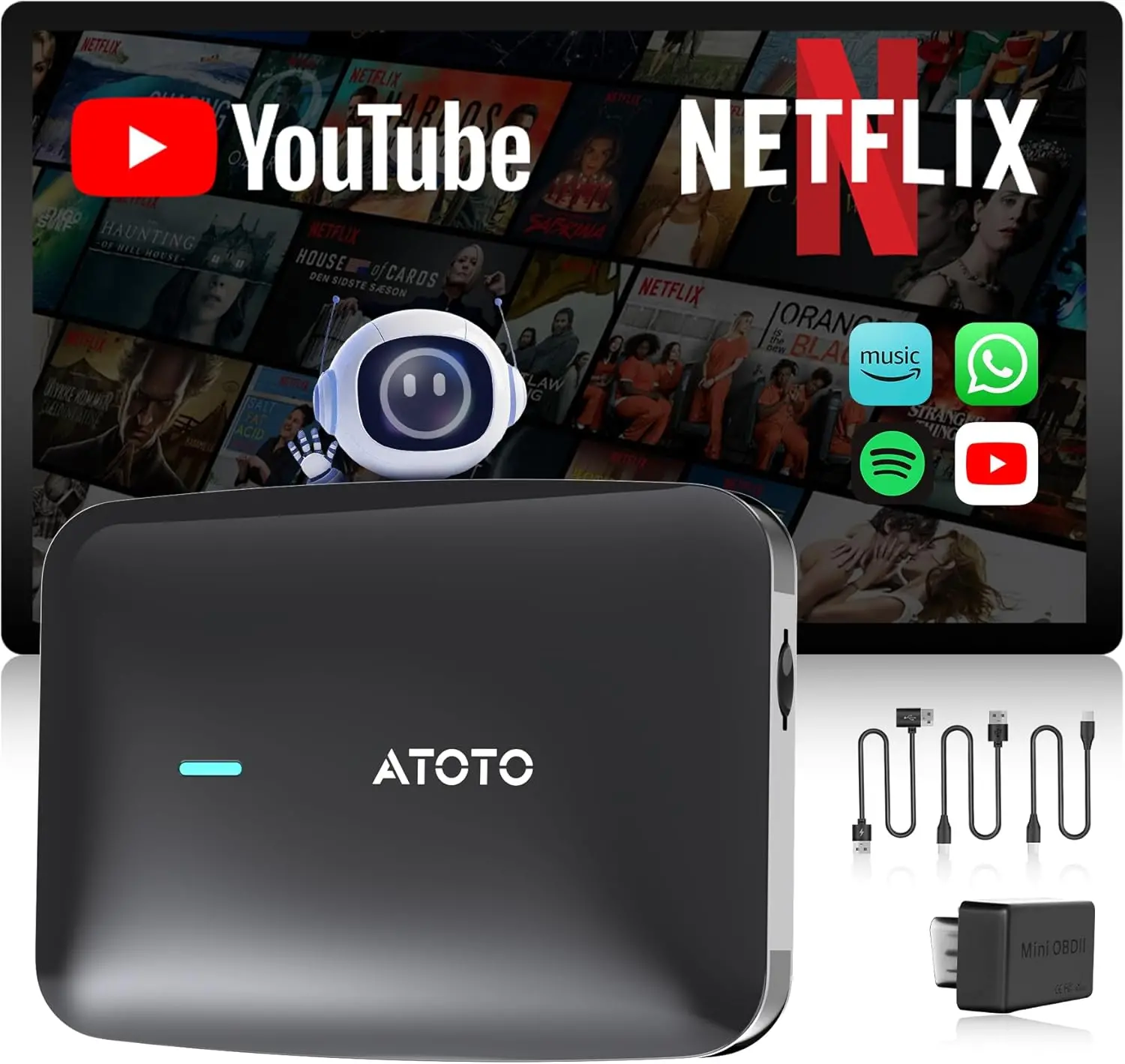
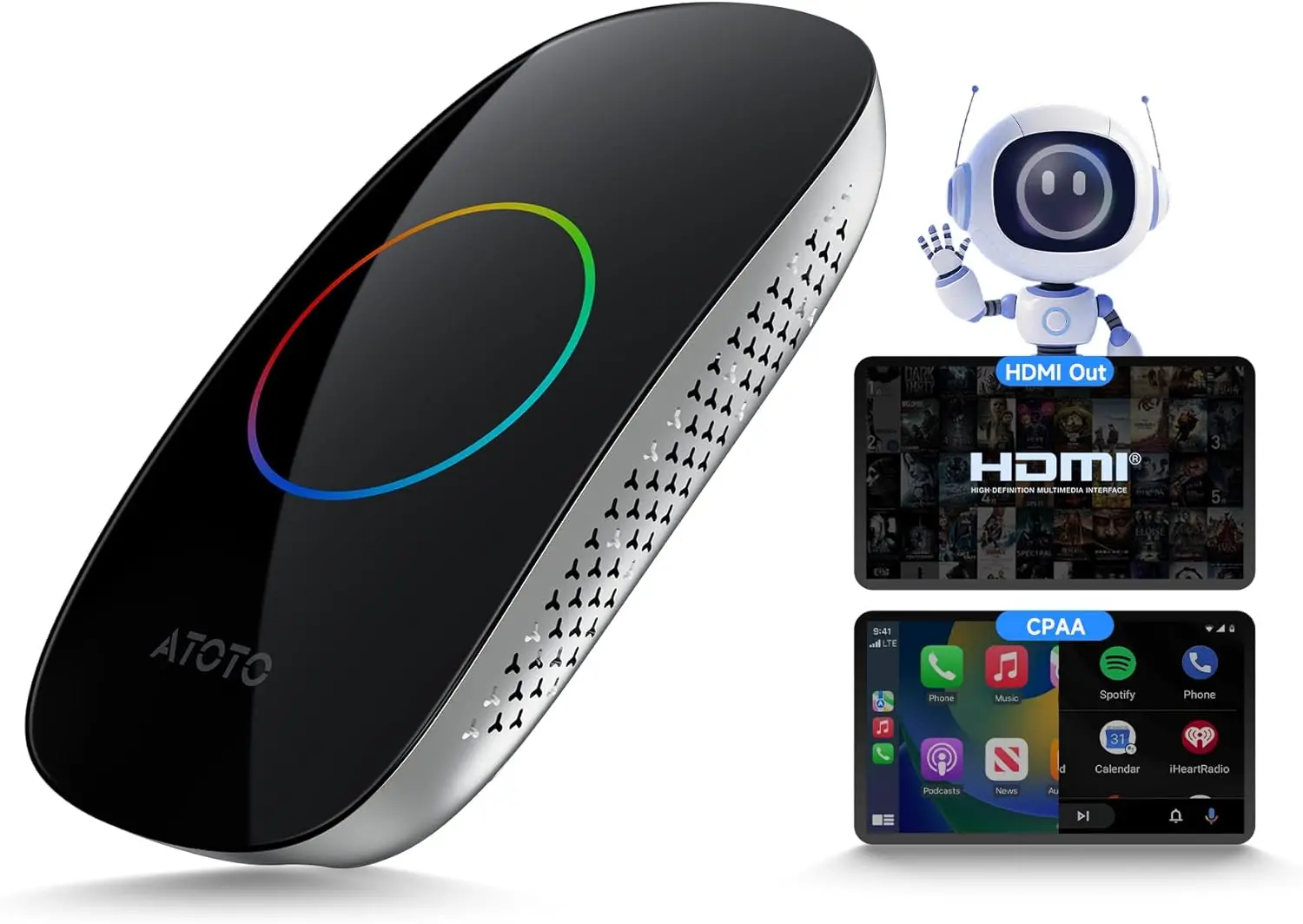
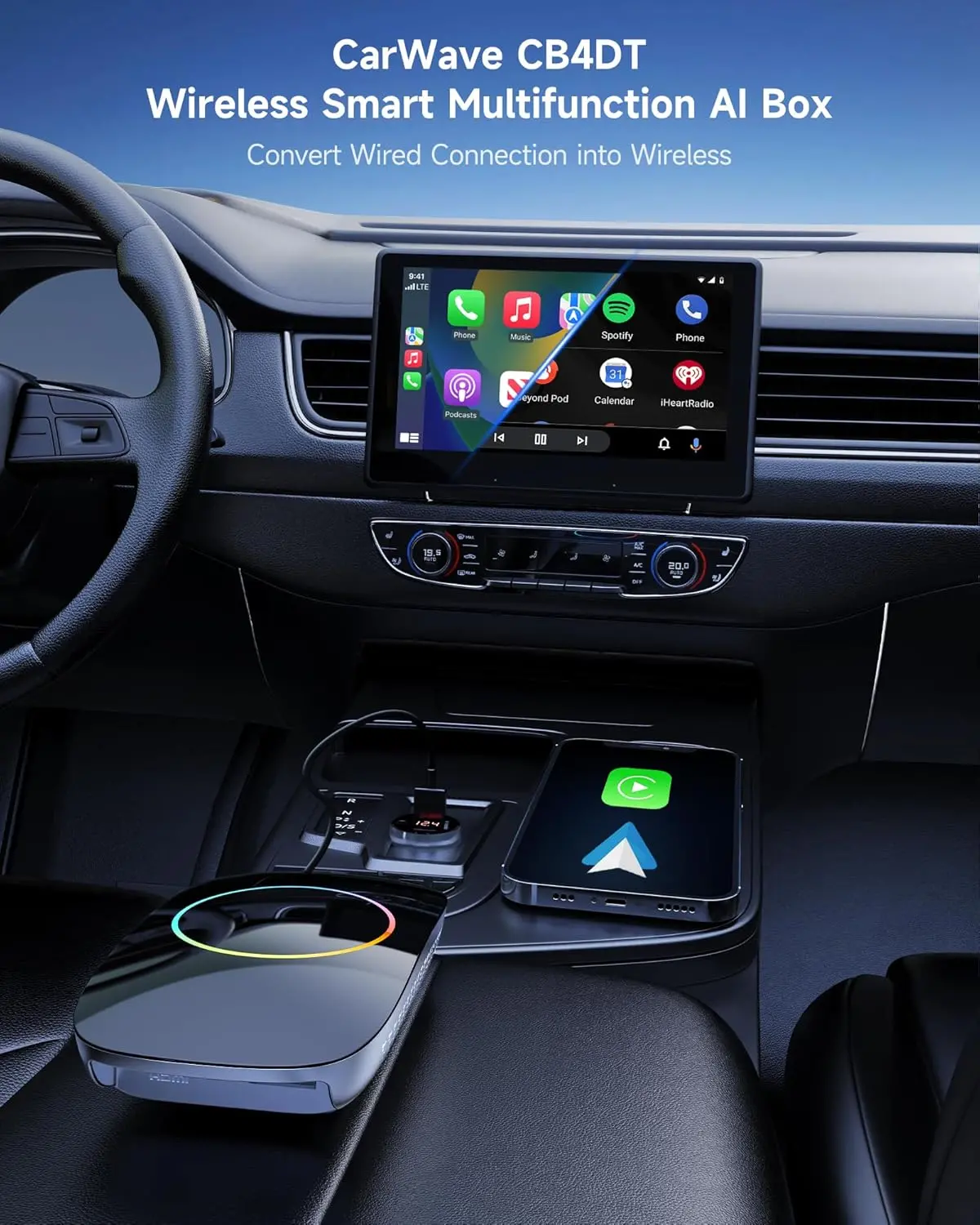
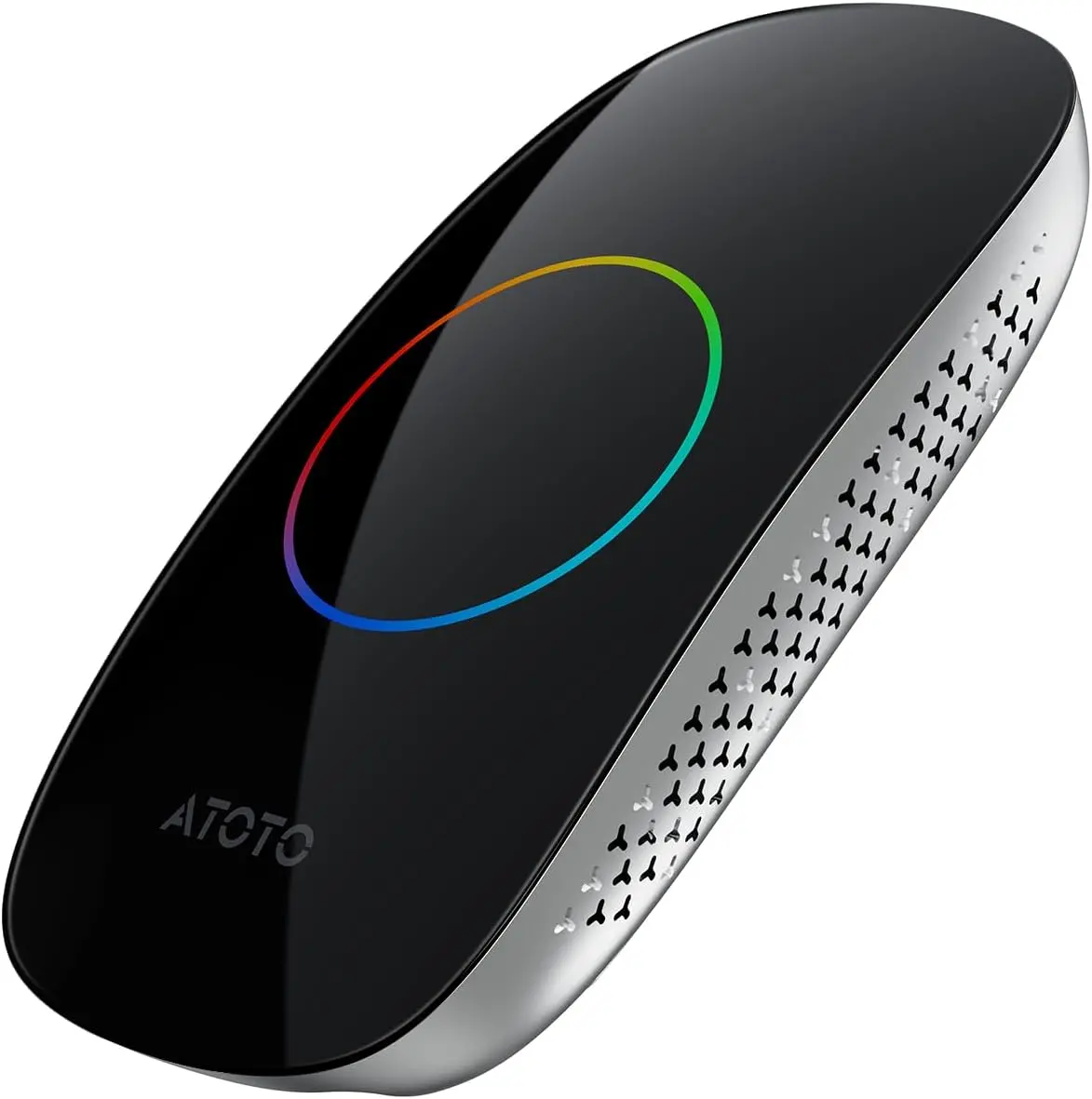
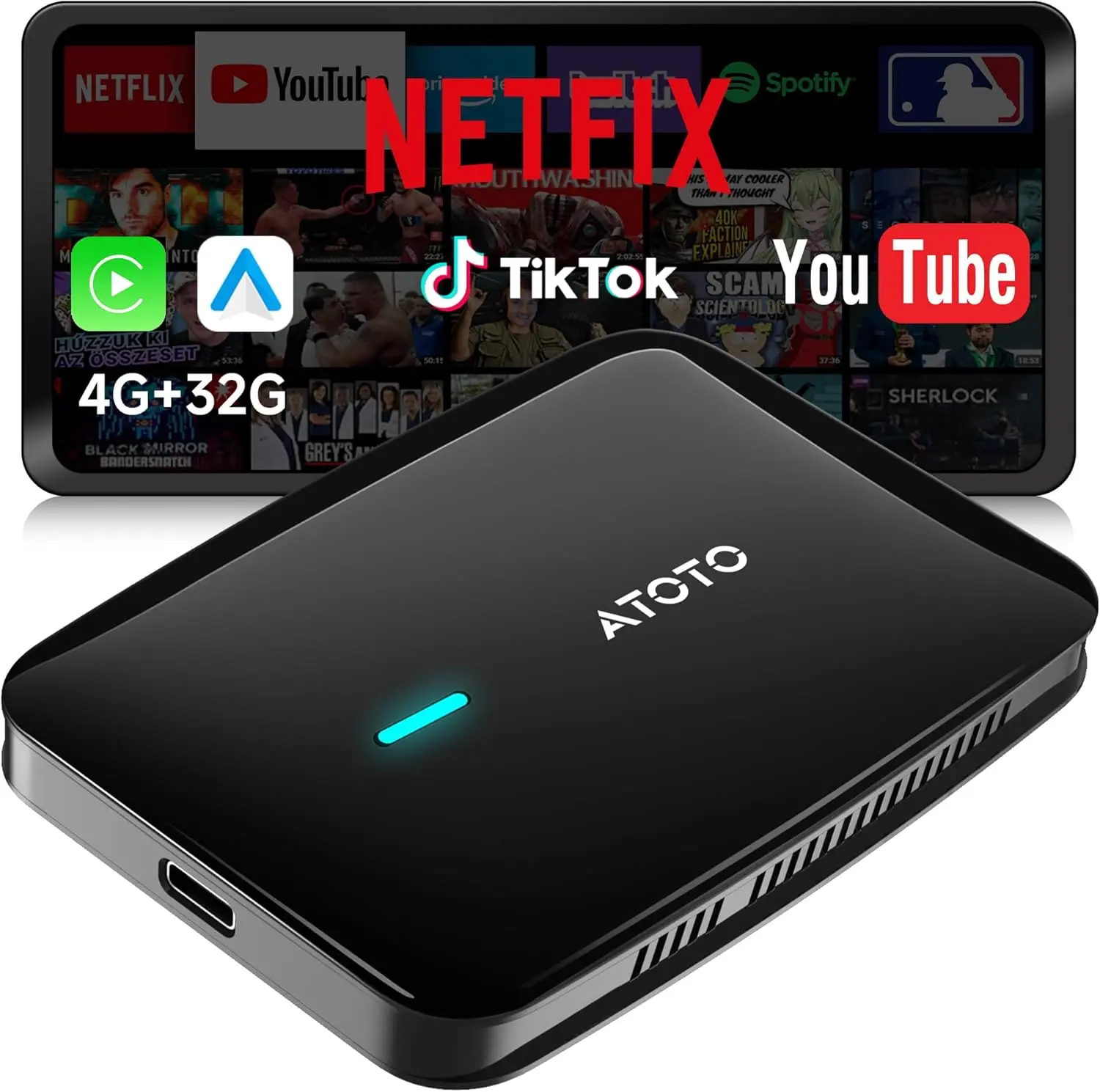
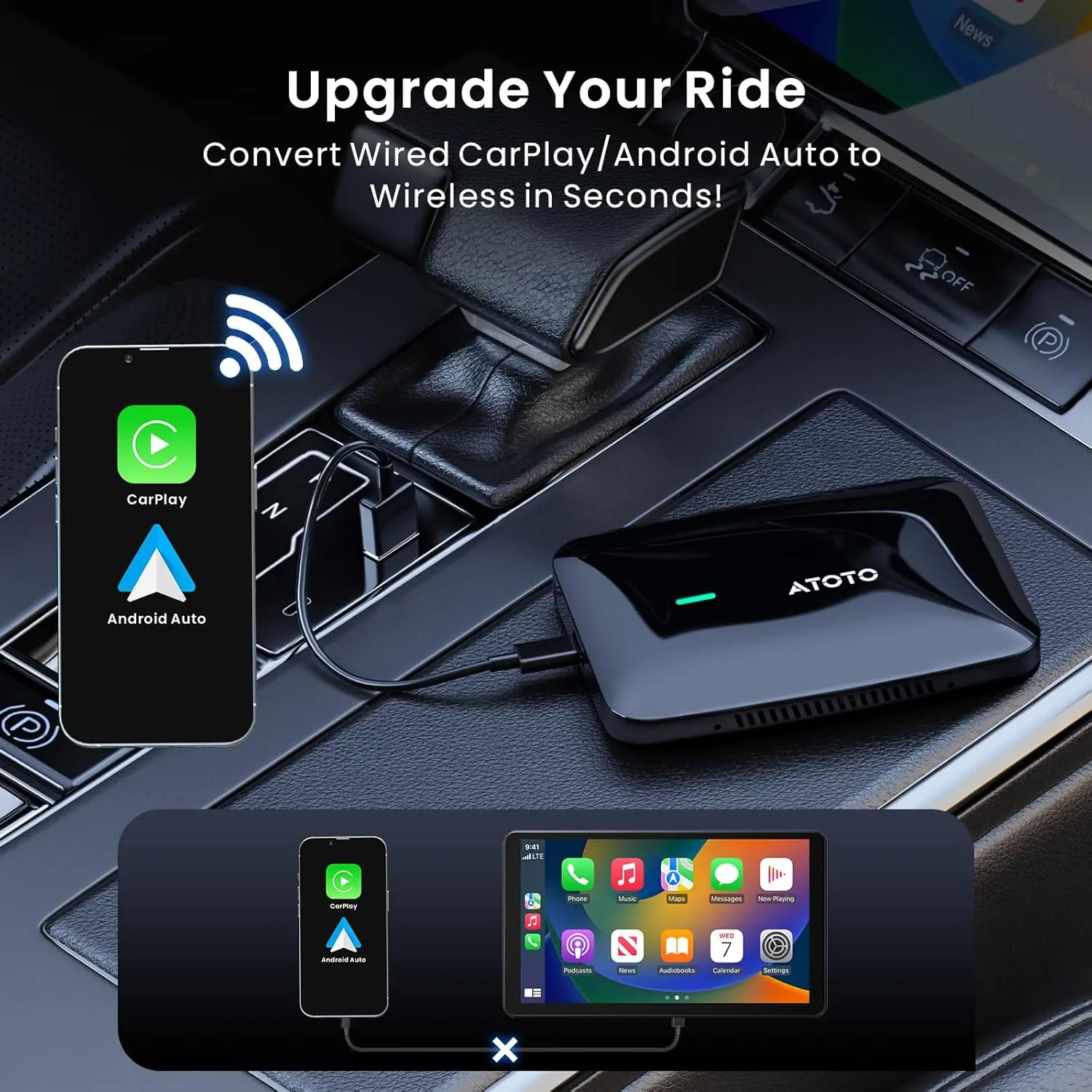
ATOTO CB4DT Wireless CarPlay Adapter, AI Box Android Auto 5-in-1 Video Box with YouTube, HDMI Output, Dual Bluetooth/WiFi, 4GB+32GB (Up to 256GB), DriveChat, Plug & Play, Stable Low-Latency Connection


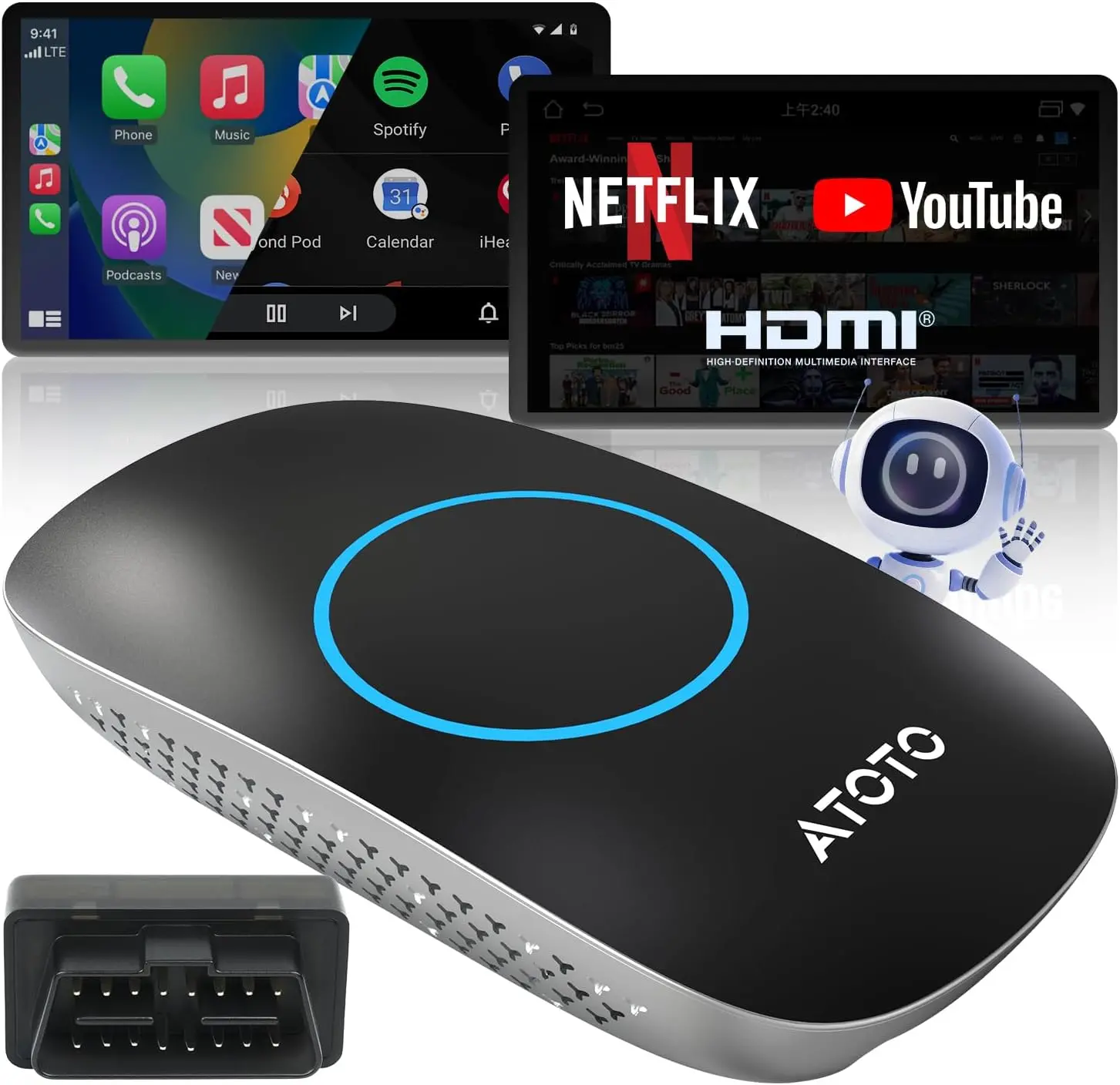
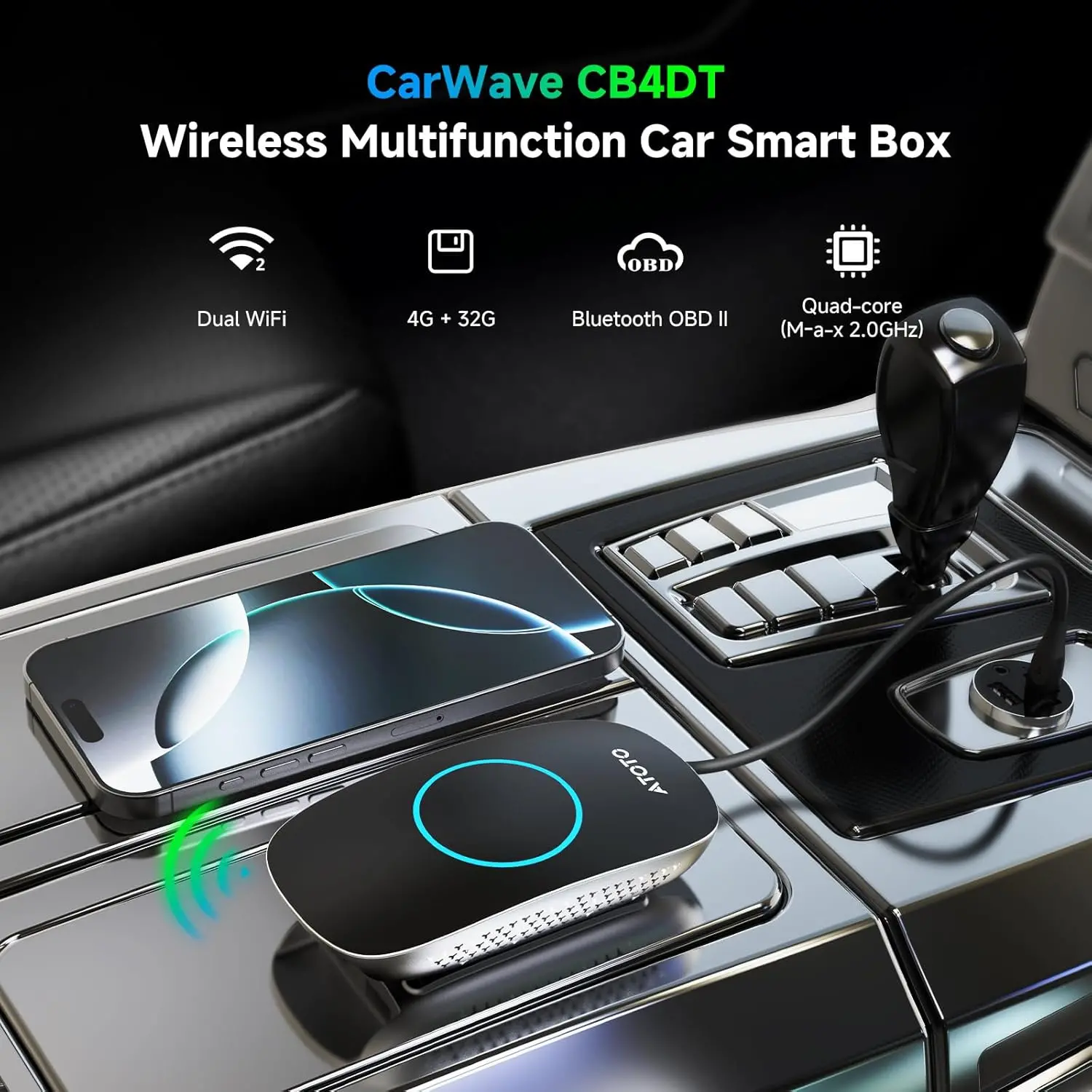
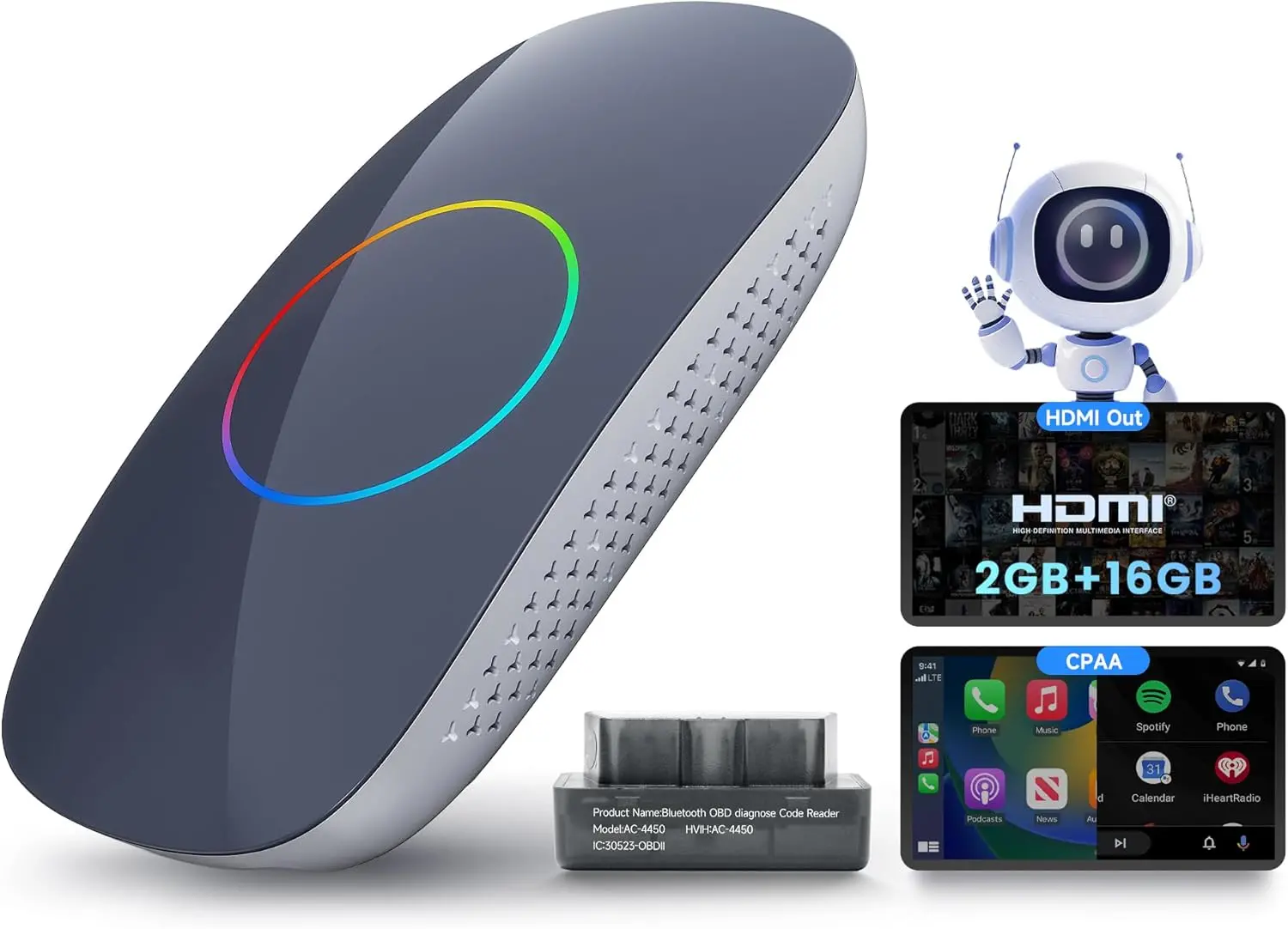
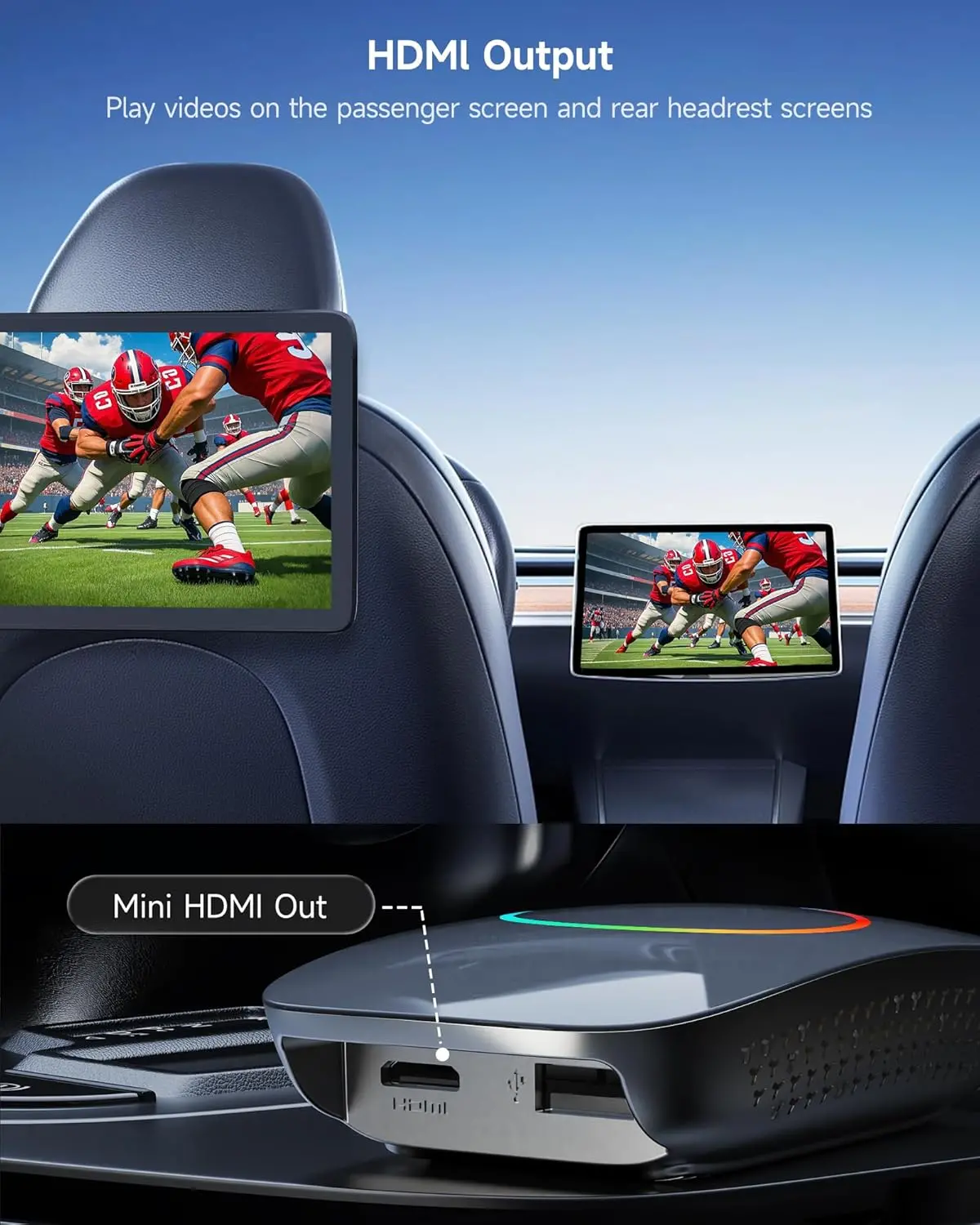
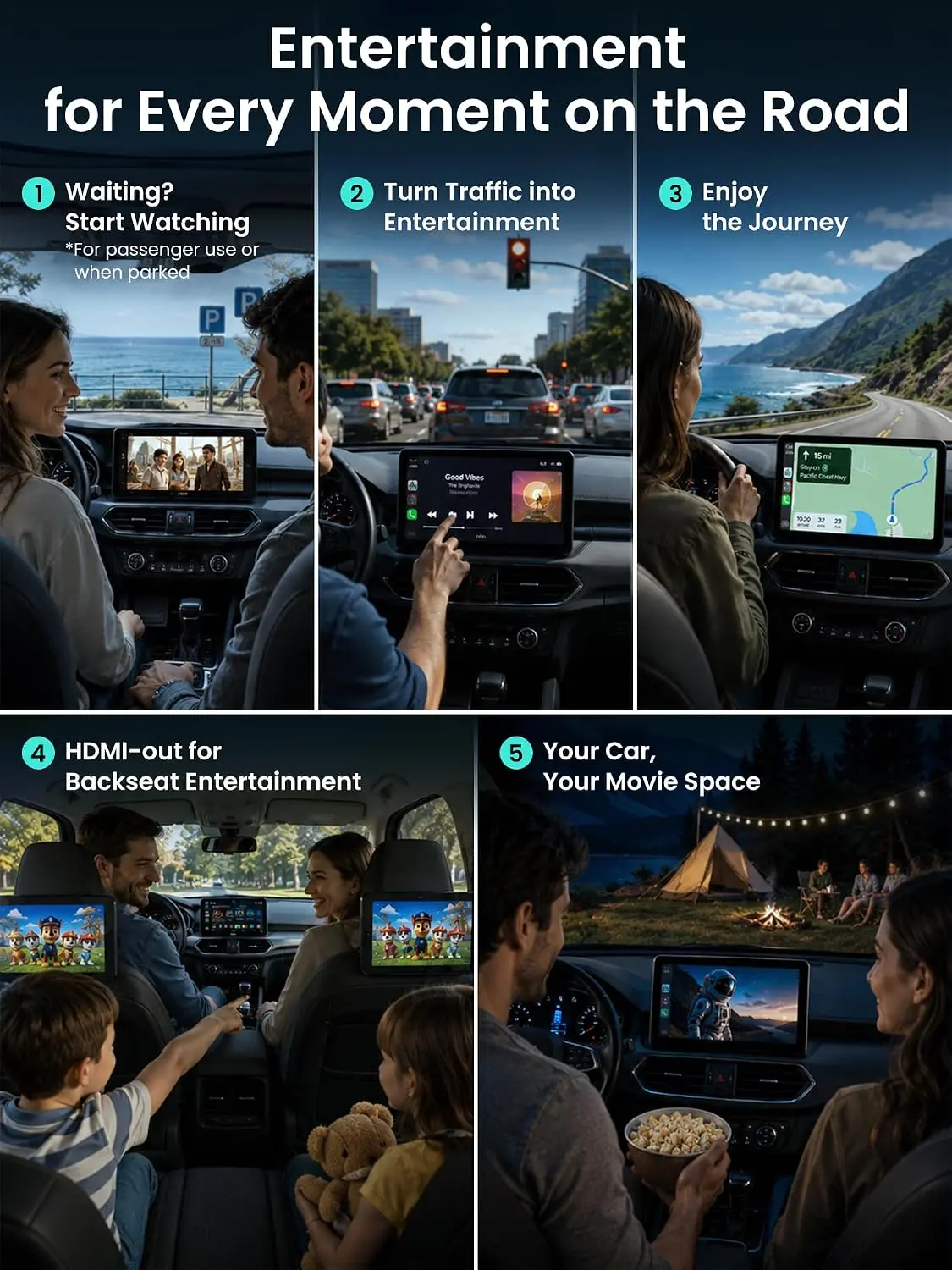
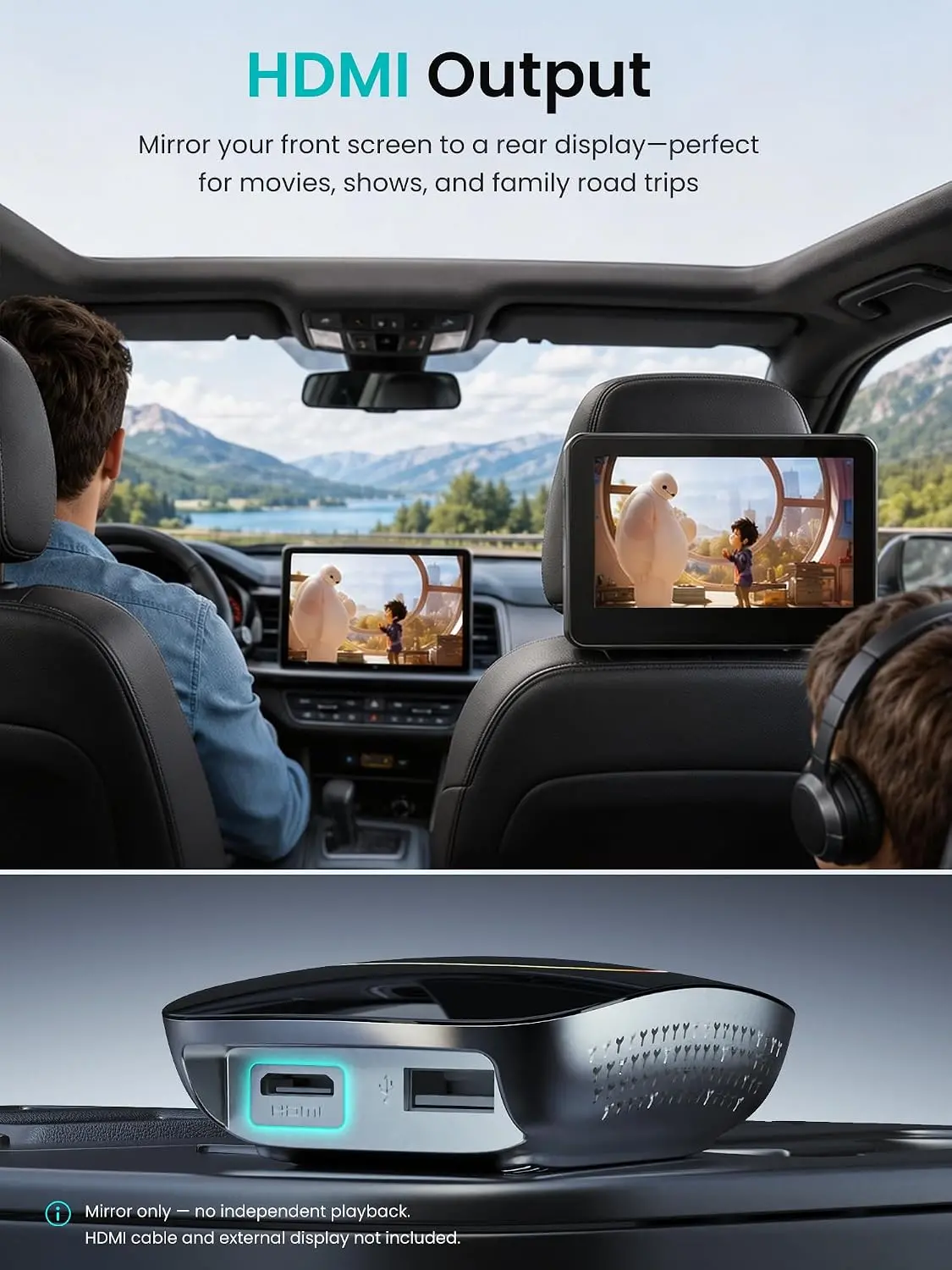
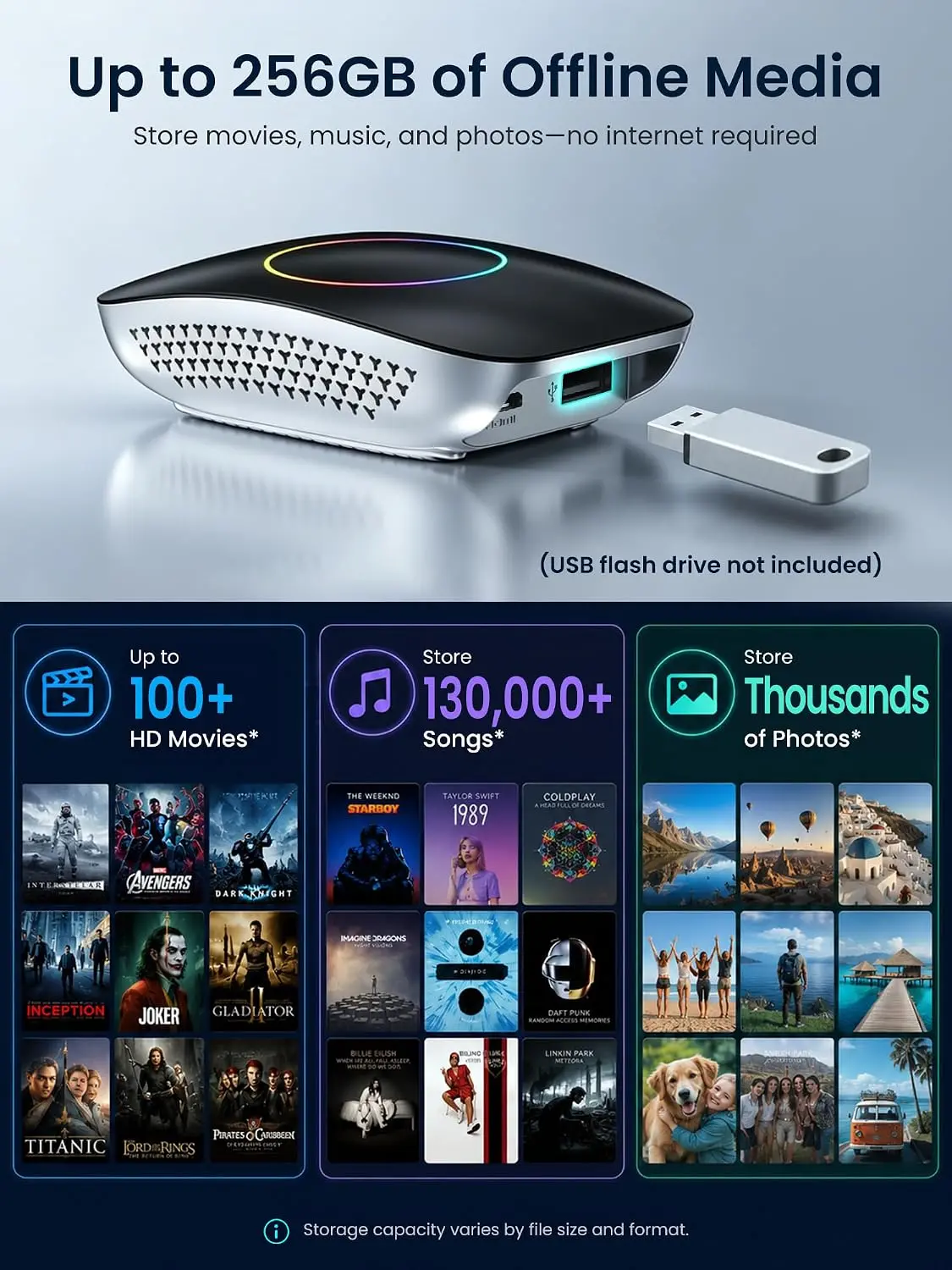
HDMI-Out, USB Playback(256GB), Dual Wi-Fi (2.4G/5G) & Dual BT (5.2/4.2)


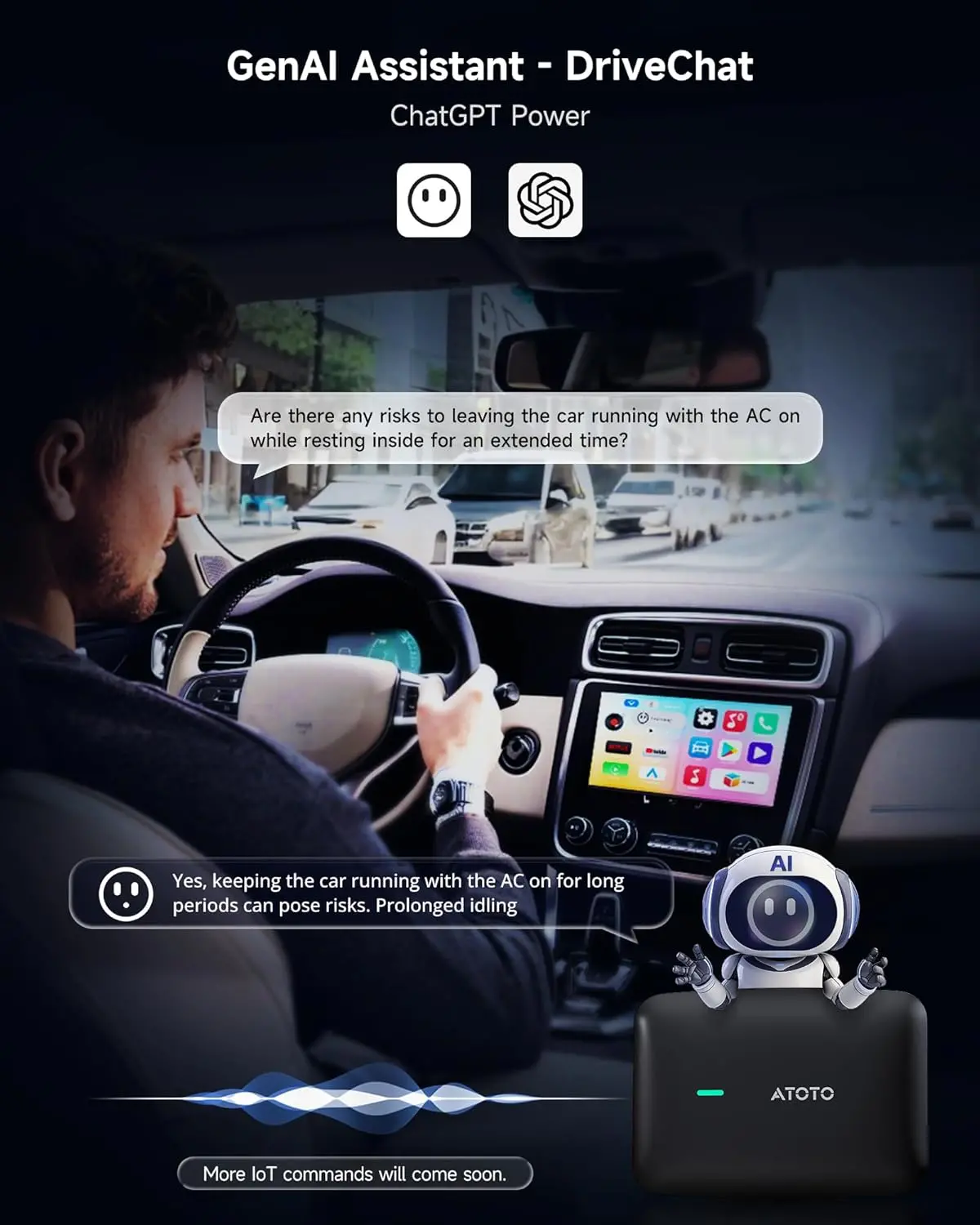
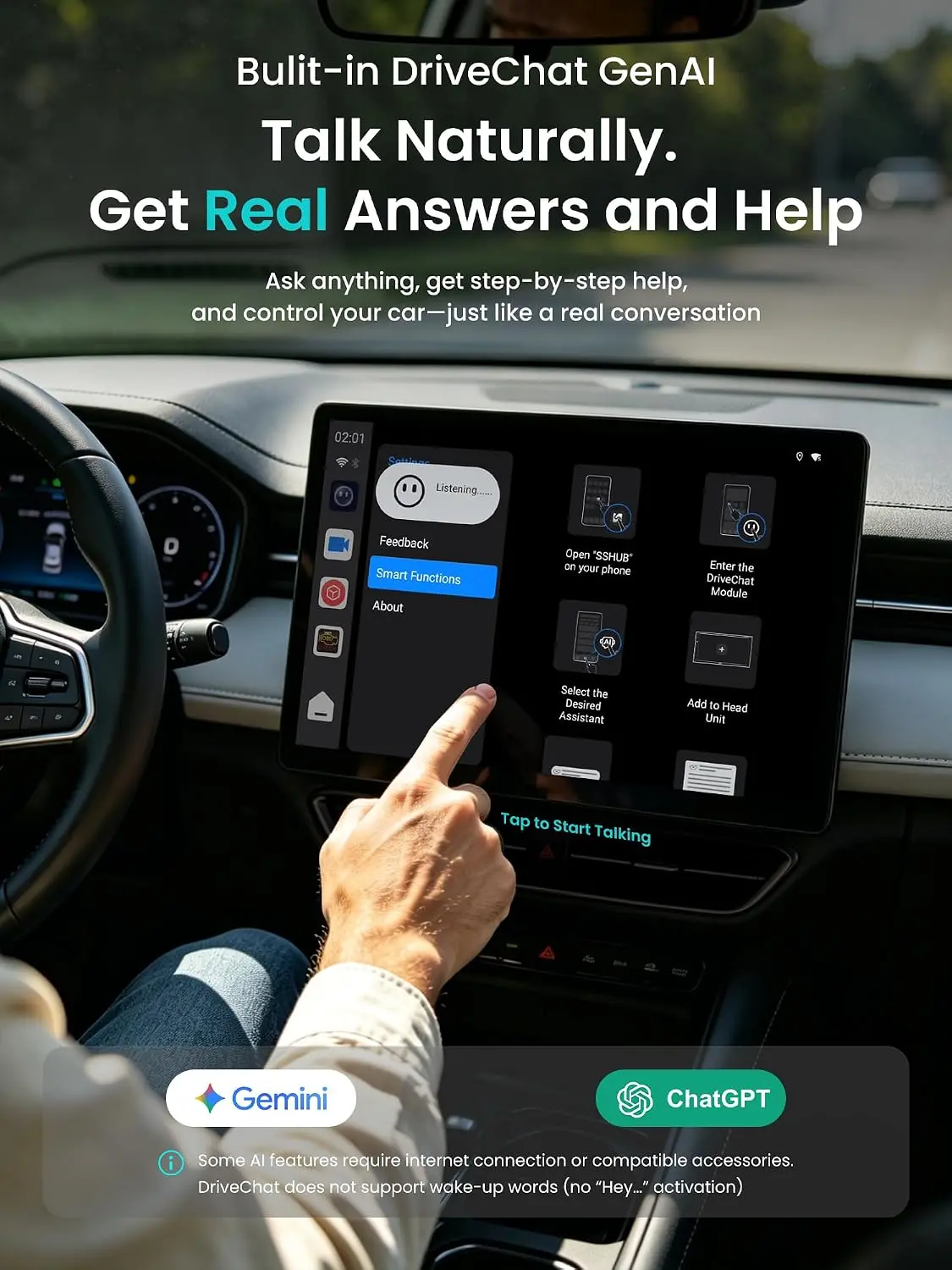
DriveChat AI & FindApps & OTA for Future Updates


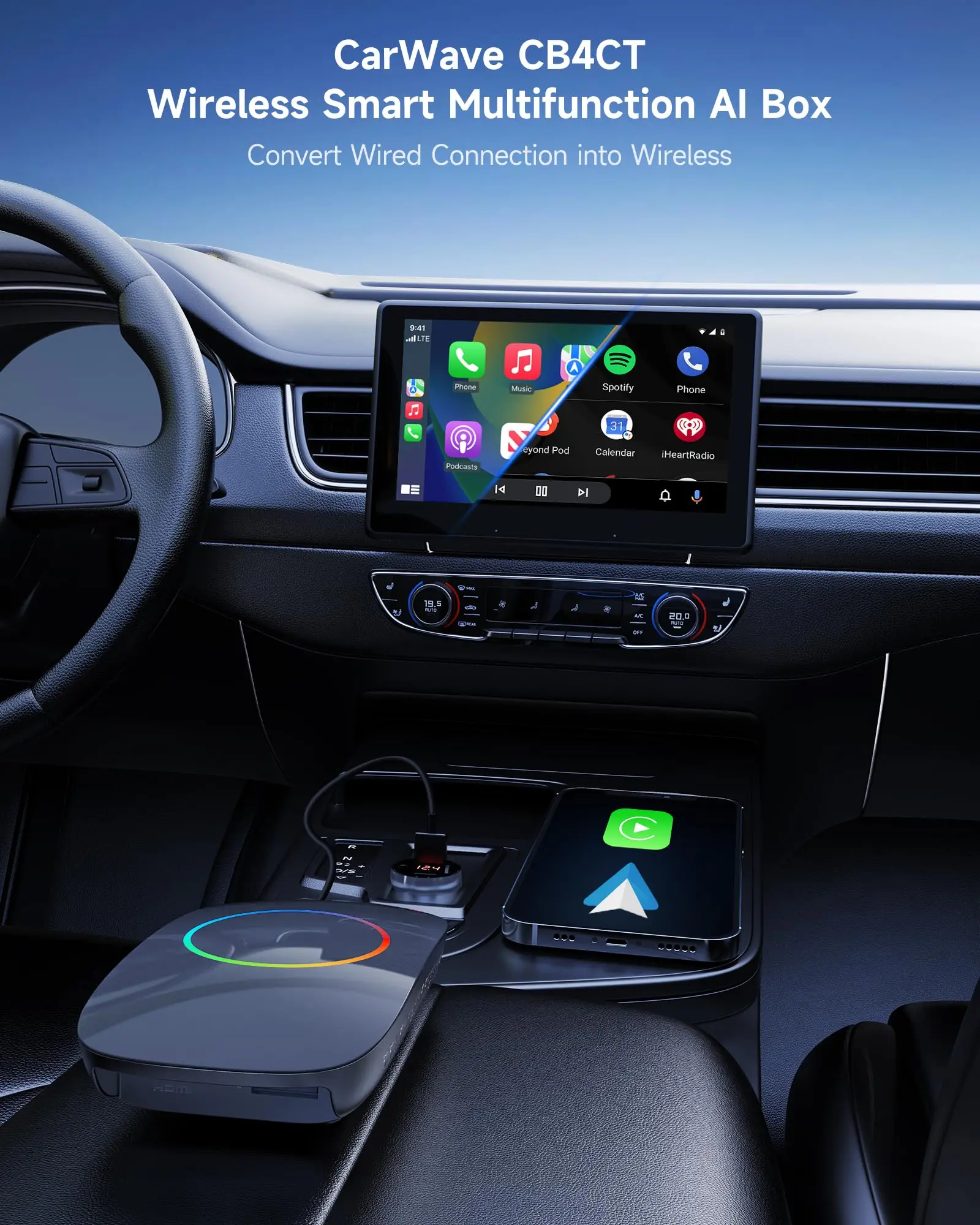
Connect 6(max) Bluetooth Devices & Cooling Fast & Wireless Carplay/Android Auto


Fits Most Cars & Online Resources & Support & Package Contents


Frequently Asked Questions
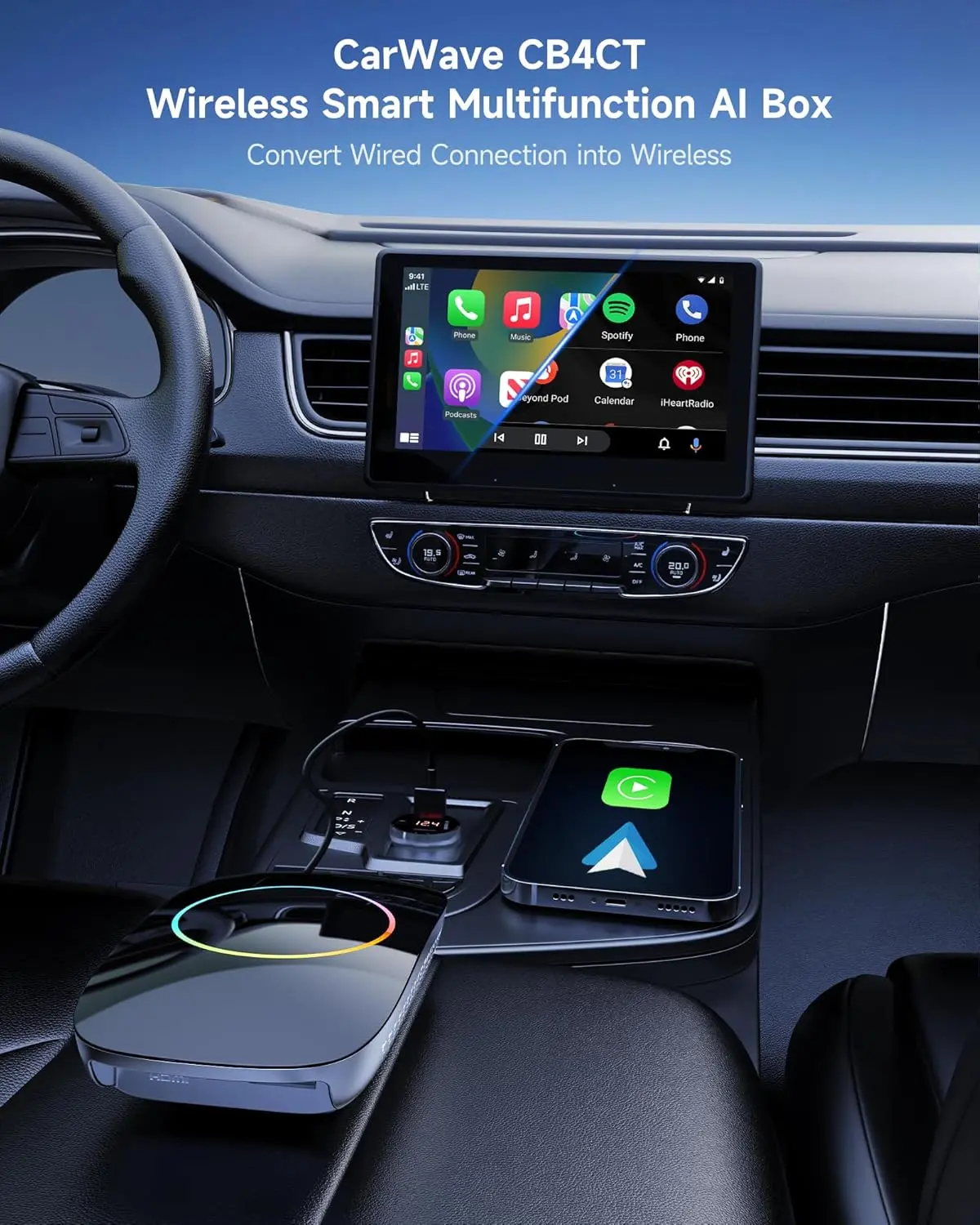
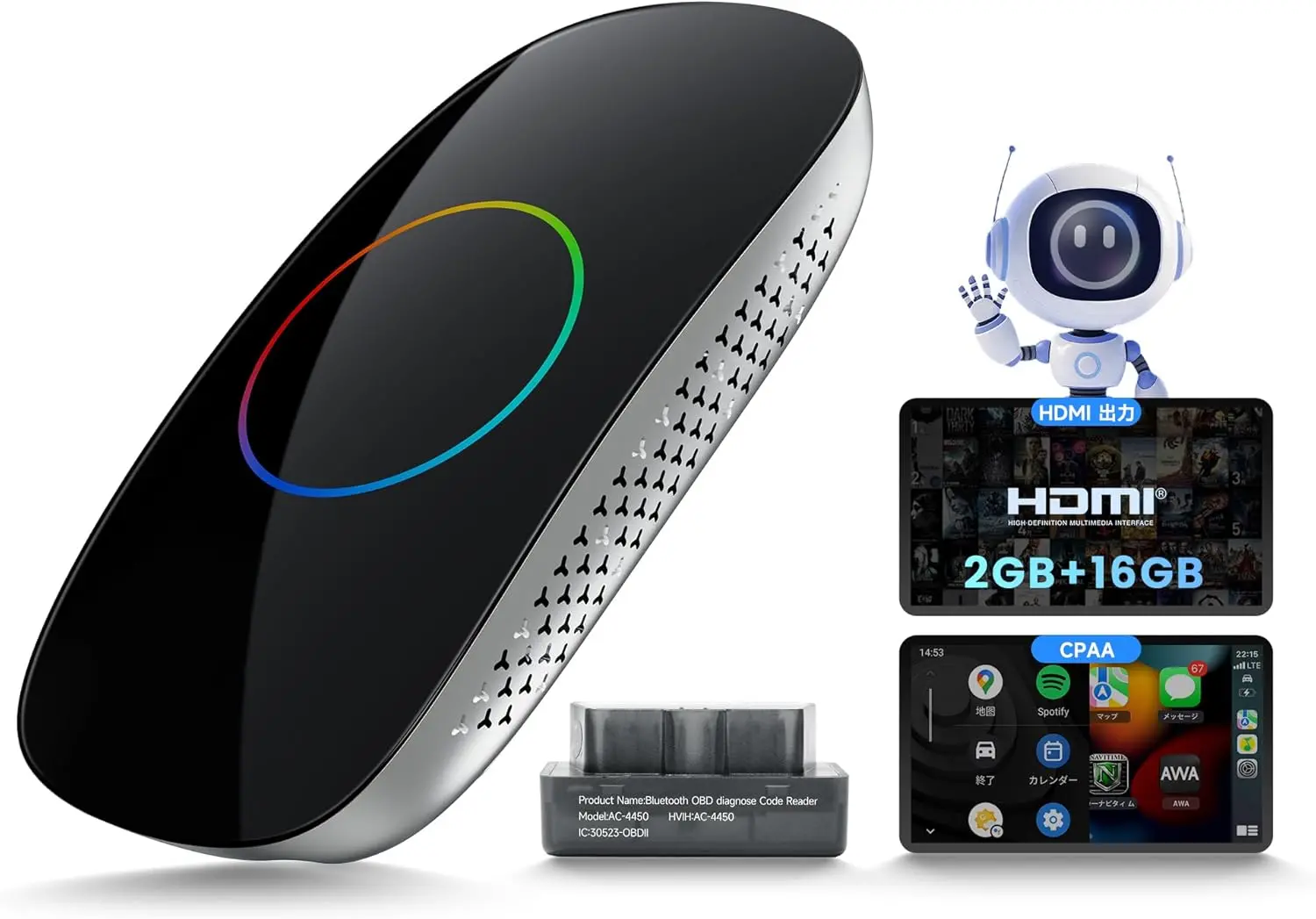
- Q: What's the difference between Model CB4CT and Model CB4DT?-->A: The only difference between these two models is their built-in memory capacity. The CB4CT comes with 2GB RAM & 16GB ROM, while the CB4DT features 4GB RAM & 32GB ROM. Due to the difference in RAM and storage, the CB4CT may run slightly slower compared to the CB4DT. All other performance specs and functions are exactly the same across both models
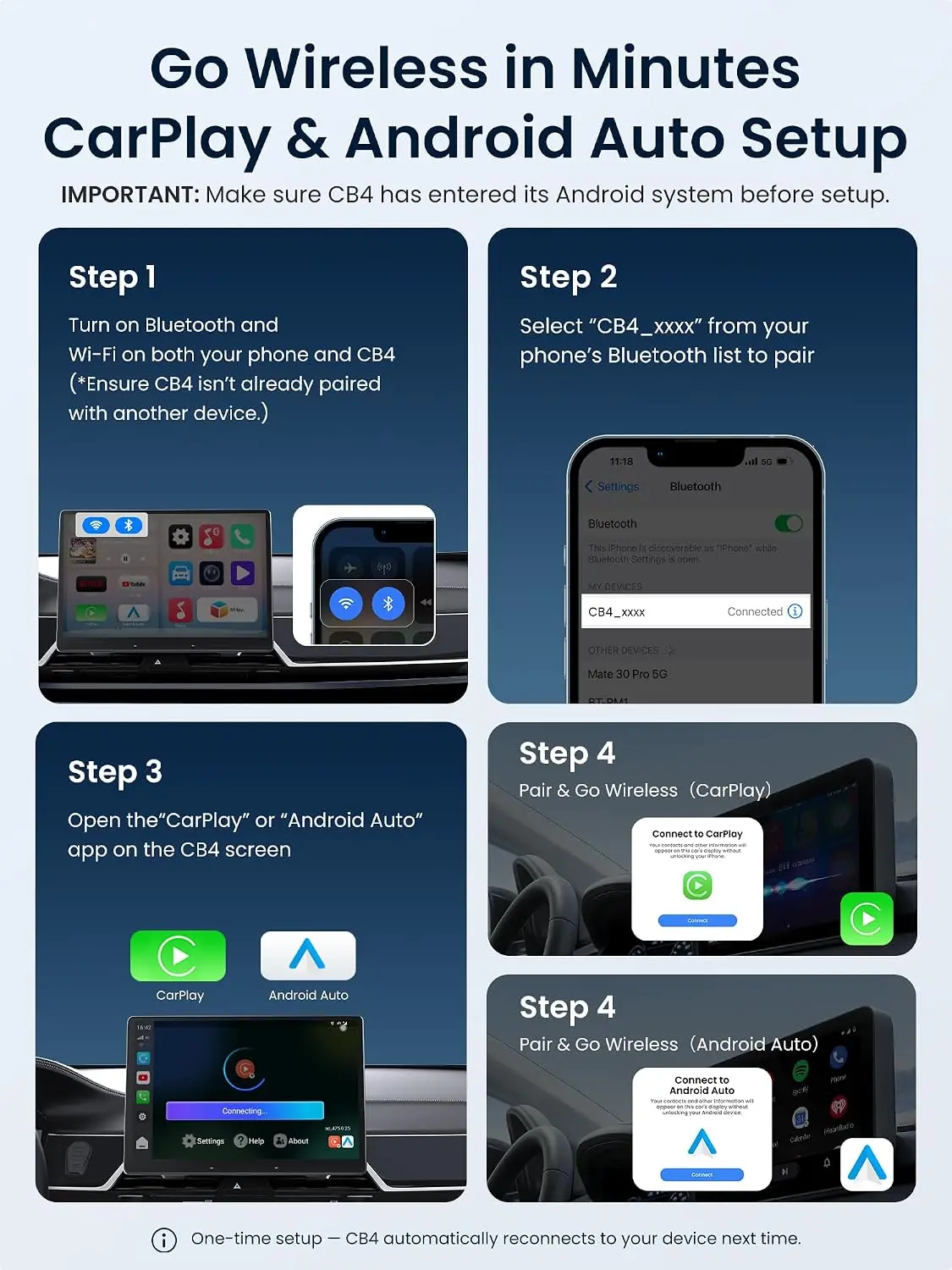
- Q: Why won't my CarPlay or Android Auto connect, or why does it not auto-connect after the first time?-->A: Please ensure your phoneβs Bluetooth and Wi-Fi are both turned on and that it is not connected to another car or network. Also confirm your phone supports CarPlay/Android Auto. If issues continue, especially with iOS 26, check your OS version or contact support with details
- Q: What should I do if the product wonβt turn on or shuts off, or wonβt connect to display?-->A: This is often due to insufficient power from your carβs USB port. Please use the included Y-cable connected to the cigarette lighter for stable 5V/1A power. Also ensure the device is placed in a well-ventilated area, not inside enclosed spaces like a glove box, to prevent overheating
- Q: Why is my car unable to navigate after connecting the Magic Box?-->A: The AI Box does not have a built-in GPS, so it does not provide navigation on its own. Please use navigation through CarPlay or Android Auto instead. Your carβs original GPS navigation will continue to work normally while the AI Box is connected
- Q: I canβt connect to Wi-Fi. What should I do?-->A: Try restarting the device, forgetting the Wi-Fi network and reconnecting, or checking for an OTA update. Please note the device only supports WPA2-Personal encryption and may not work with WEP or WPA3
- Q: Why does the image appear blurry or not fit my carβs display correctly?-->A: If your carβs screen resolution is lower than the standard required for our product (1920Γ720 p or higher), you may notice a blurry picture or reduced image quality. This often results from differences in vehicle models and display specifications.
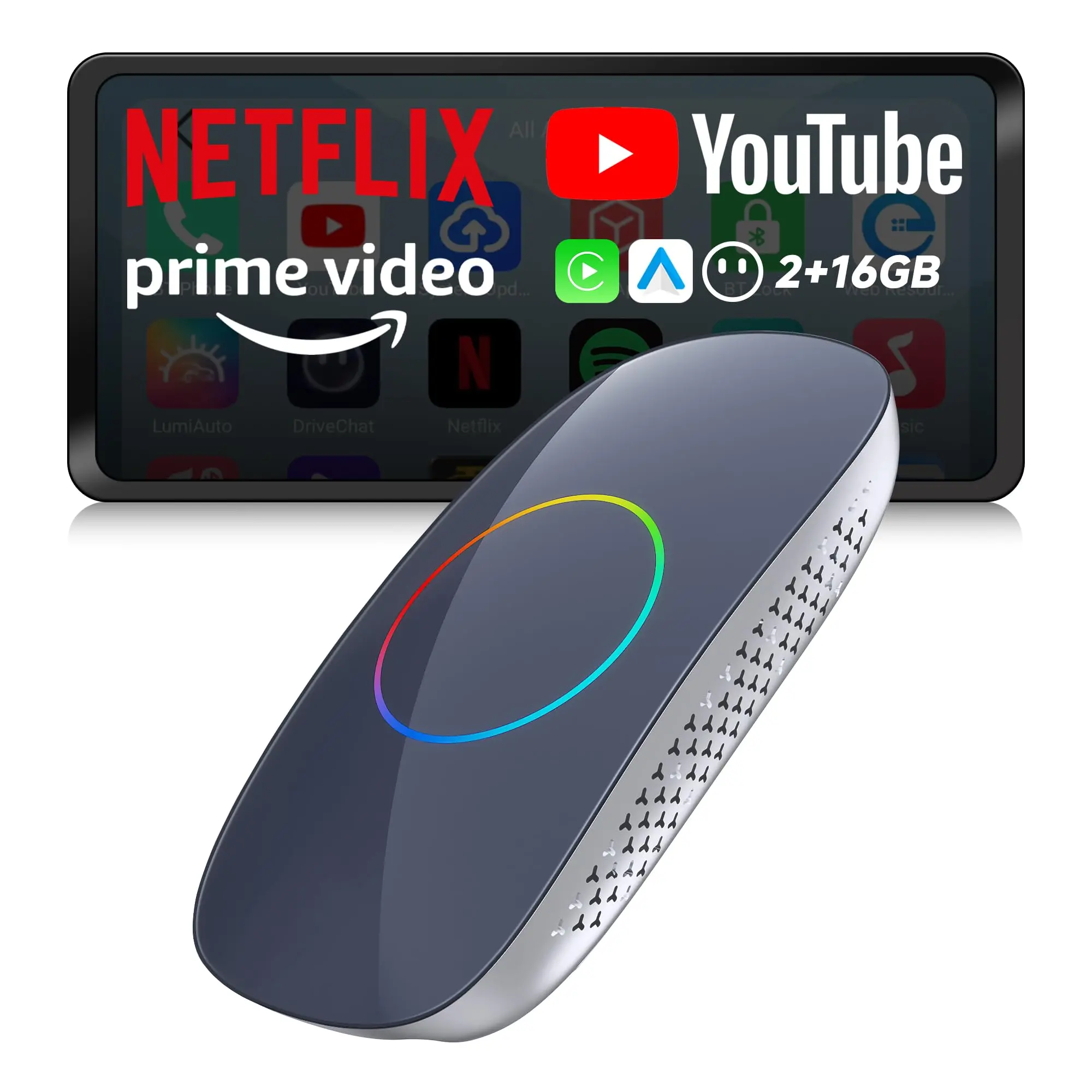
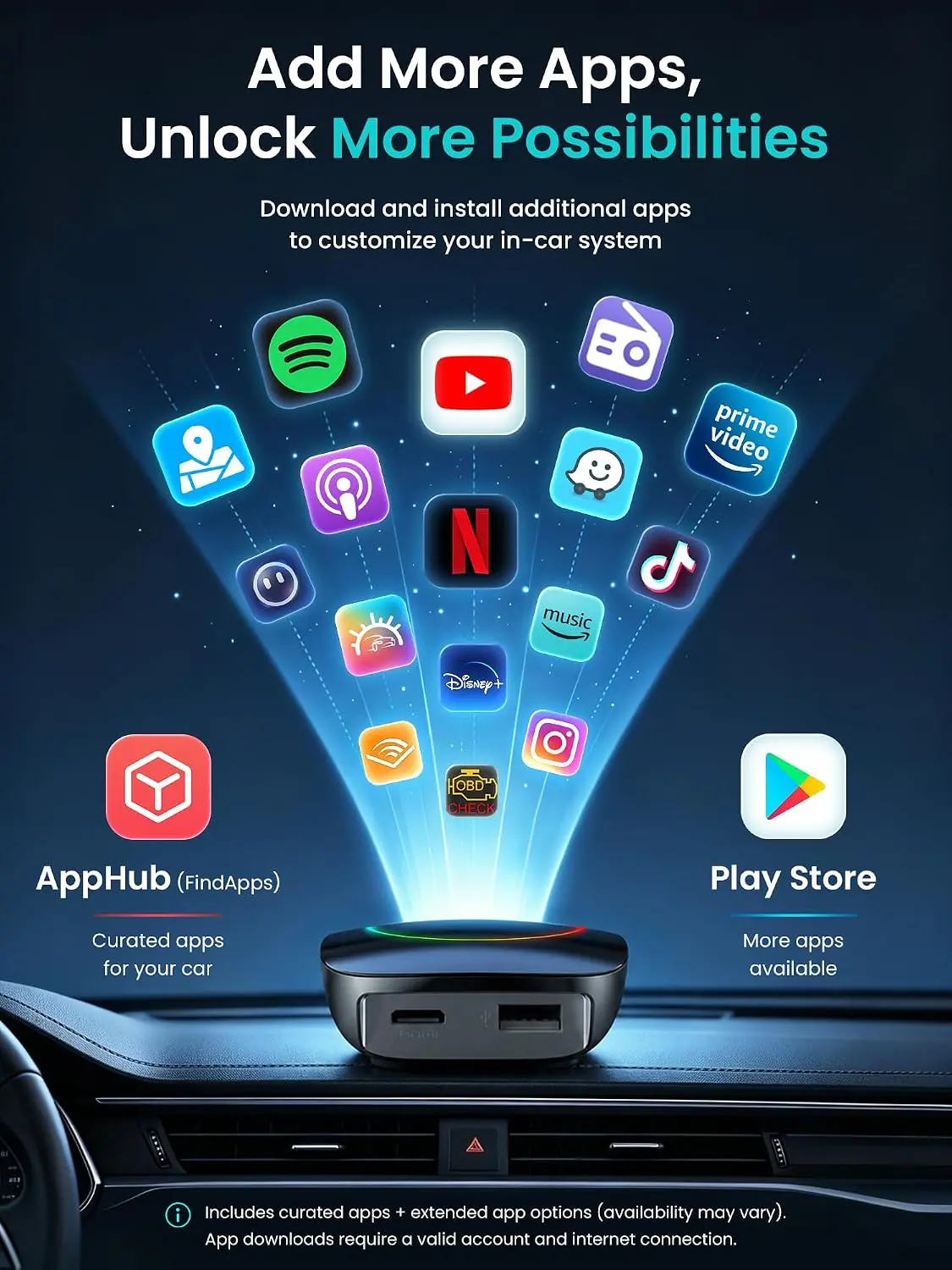
- Q:Can I use the Google Play Store?-->A: No, this product does not support the Google Play Store. You can use pre-installed apps such as YouTube and Prime Video, or download compatible apps from the included βFindAppsβ store. To maintain stable performance with its 4GB RAM and 32GB storage, we recommend not running too many apps simultaneously and closing unused apps promptly to avoid lag. If video playback becomes choppy, it may also be related to network stability.
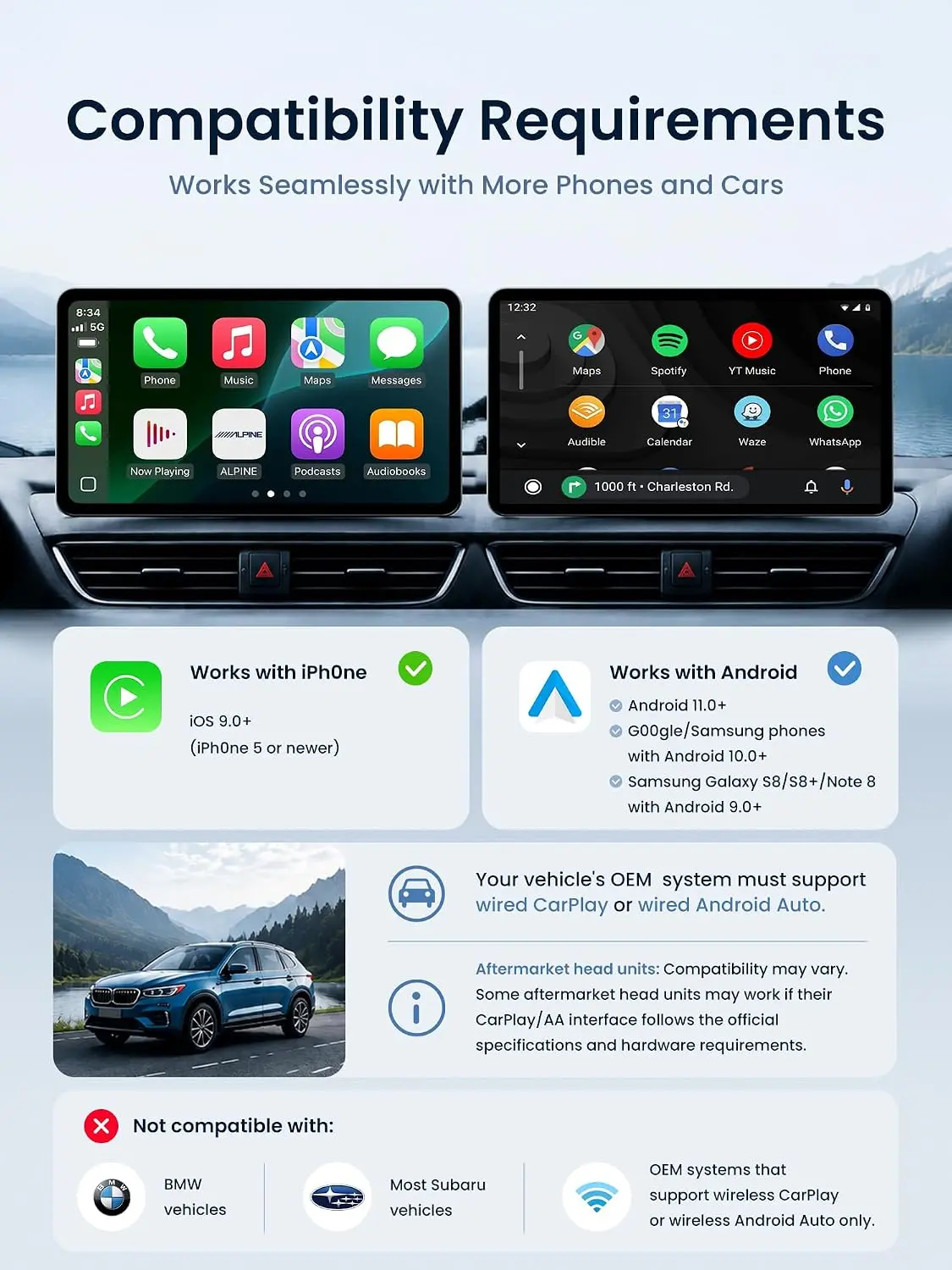
- Q:Why isn't the magic box working?-->A: Please make sure your vehicle has wired CarPlay/Android Auto and supports on-screen or touchpad navigation. Please note: This is NOT compatible with BMW, most Subaru models, aftermarket head units, or systems that only support wireless CarPlay/Android Auto. The Magic Box defaults to CarPlay. If your head unit only supports Android Auto, switch it to Android Auto mode when connecting.
Get More Magic Boxes
![]() CB6D Black |
![]() CB4DT Black |
![]() CB4DT Gray |
![]() CB4DT w/ OBD2 |
![]() CB4CT Black |
![]() CB4CT w/ OBD II |
|
|---|---|---|---|---|---|---|---|
Performance |
8GB+128GB | Android | 4GB+32GB | Android | 4GB+32GB | Android | 4GB+32GB | Android | 2GB+16GB | Android | 2GB+16GB | Android | 2GB+16GB | Android |
3rd-Party Apps |
From Play Store & FindApps | From FindApps | From FindApps | From FindApps | From FindApps | From FindApps | From FindApps |
Built-in 4G LTE |
β | β | β | β | β | β | β |
Internet Connection |
4G, Wi-Fi & Bluetooth | Wi-Fi | Wi-Fi | Wi-Fi | Wi-Fi | Wi-Fi | Wi-Fi |
Built-in GPS |
β | β | β | β | β | β | β |
HDMI-Out |
β | β | β | β | β | β | β |
AI DriveChat |
β | β | β | β | β | β | β |
TrackHU App (Vehicle Tracking) |
β | β | β | β | β | β | β |
Expandable Storage |
M-A-X 256GB via USB | M-A-X 256GB via USB | M-A-X 256GB via USB | M-A-X 256GB via USB | M-A-X 256GB via USB | M-A-X 256GB via USB | M-A-X 256GB via USB |
Included Items |
Magic Box | Magic Box | β | Magic Box w/ mini OBD II | Magic Box | Magic Box w/ mini OBD II | Magic Box w/ mini OBD II |
$149.90
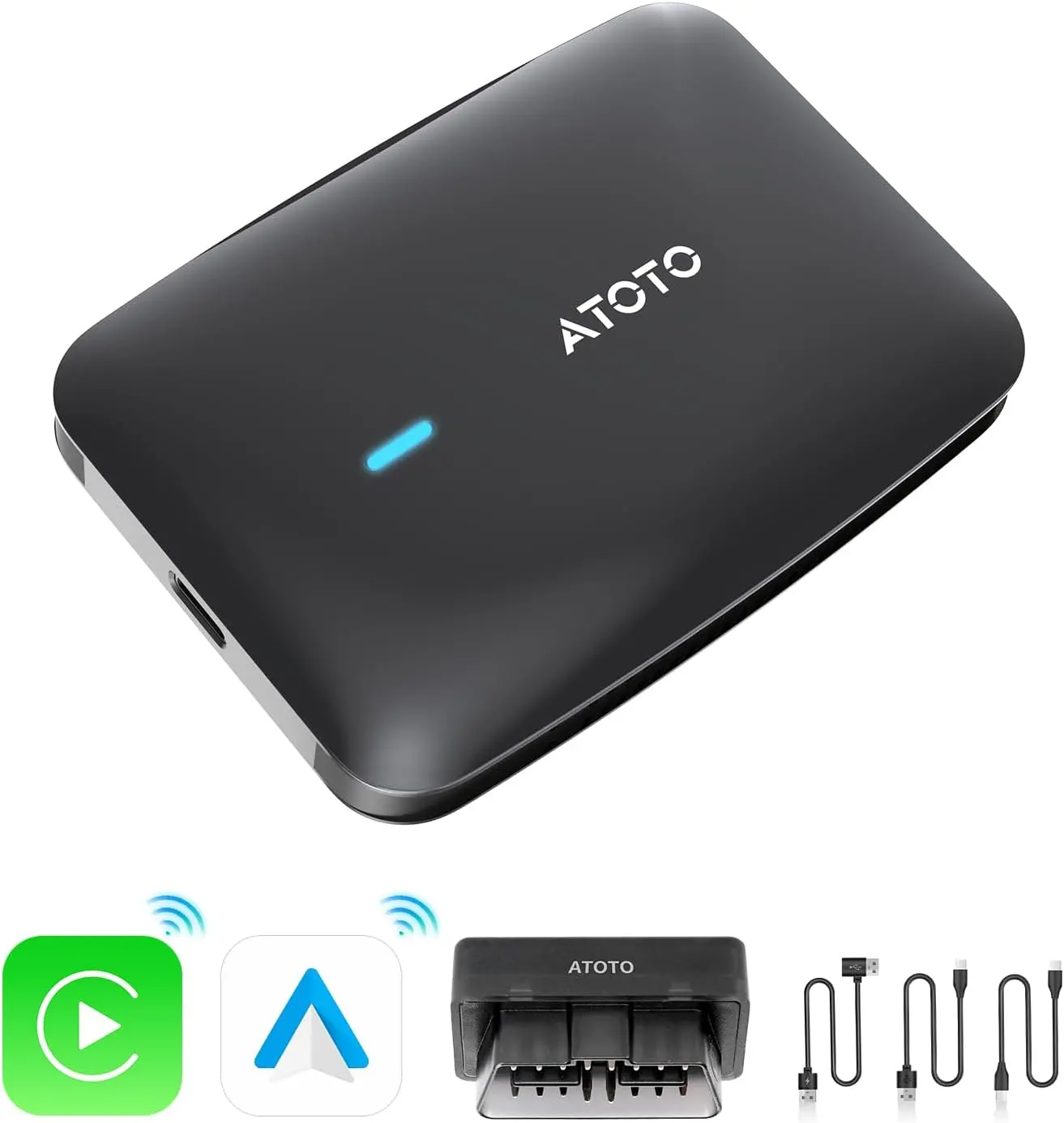
ATOTO CB4DT Wireless CarPlay Adapter, AI Box Android Auto 5-in-1 Video Box with YouTube, HDMI Output, Dual Bluetooth/WiFi, 4GB+32GB (Up to 256GB), DriveChat, Plug & Play, Stable Low-Latency Connectionβ
$149.90


Description


HDMI-Out, USB Playback(256GB), Dual Wi-Fi (2.4G/5G) & Dual BT (5.2/4.2)


DriveChat AI & FindApps & OTA for Future Updates


Connect 6(max) Bluetooth Devices & Cooling Fast & Wireless Carplay/Android Auto


Fits Most Cars & Online Resources & Support & Package Contents


Frequently Asked Questions
- Q: What's the difference between Model CB4CT and Model CB4DT?-->A: The only difference between these two models is their built-in memory capacity. The CB4CT comes with 2GB RAM & 16GB ROM, while the CB4DT features 4GB RAM & 32GB ROM. Due to the difference in RAM and storage, the CB4CT may run slightly slower compared to the CB4DT. All other performance specs and functions are exactly the same across both models
- Q: Why won't my CarPlay or Android Auto connect, or why does it not auto-connect after the first time?-->A: Please ensure your phoneβs Bluetooth and Wi-Fi are both turned on and that it is not connected to another car or network. Also confirm your phone supports CarPlay/Android Auto. If issues continue, especially with iOS 26, check your OS version or contact support with details
- Q: What should I do if the product wonβt turn on or shuts off, or wonβt connect to display?-->A: This is often due to insufficient power from your carβs USB port. Please use the included Y-cable connected to the cigarette lighter for stable 5V/1A power. Also ensure the device is placed in a well-ventilated area, not inside enclosed spaces like a glove box, to prevent overheating
- Q: Why is my car unable to navigate after connecting the Magic Box?-->A: The AI Box does not have a built-in GPS, so it does not provide navigation on its own. Please use navigation through CarPlay or Android Auto instead. Your carβs original GPS navigation will continue to work normally while the AI Box is connected
- Q: I canβt connect to Wi-Fi. What should I do?-->A: Try restarting the device, forgetting the Wi-Fi network and reconnecting, or checking for an OTA update. Please note the device only supports WPA2-Personal encryption and may not work with WEP or WPA3
- Q: Why does the image appear blurry or not fit my carβs display correctly?-->A: If your carβs screen resolution is lower than the standard required for our product (1920Γ720 p or higher), you may notice a blurry picture or reduced image quality. This often results from differences in vehicle models and display specifications.
- Q:Can I use the Google Play Store?-->A: No, this product does not support the Google Play Store. You can use pre-installed apps such as YouTube and Prime Video, or download compatible apps from the included βFindAppsβ store. To maintain stable performance with its 4GB RAM and 32GB storage, we recommend not running too many apps simultaneously and closing unused apps promptly to avoid lag. If video playback becomes choppy, it may also be related to network stability.
- Q:Why isn't the magic box working?-->A: Please make sure your vehicle has wired CarPlay/Android Auto and supports on-screen or touchpad navigation. Please note: This is NOT compatible with BMW, most Subaru models, aftermarket head units, or systems that only support wireless CarPlay/Android Auto. The Magic Box defaults to CarPlay. If your head unit only supports Android Auto, switch it to Android Auto mode when connecting.
Get More Magic Boxes
![]() CB6D Black |
![]() CB4DT Black |
![]() CB4DT Gray |
![]() CB4DT w/ OBD2 |
![]() CB4CT Black |
![]() CB4CT w/ OBD II |
|
|---|---|---|---|---|---|---|---|
Performance |
8GB+128GB | Android | 4GB+32GB | Android | 4GB+32GB | Android | 4GB+32GB | Android | 2GB+16GB | Android | 2GB+16GB | Android | 2GB+16GB | Android |
3rd-Party Apps |
From Play Store & FindApps | From FindApps | From FindApps | From FindApps | From FindApps | From FindApps | From FindApps |
Built-in 4G LTE |
β | β | β | β | β | β | β |
Internet Connection |
4G, Wi-Fi & Bluetooth | Wi-Fi | Wi-Fi | Wi-Fi | Wi-Fi | Wi-Fi | Wi-Fi |
Built-in GPS |
β | β | β | β | β | β | β |
HDMI-Out |
β | β | β | β | β | β | β |
AI DriveChat |
β | β | β | β | β | β | β |
TrackHU App (Vehicle Tracking) |
β | β | β | β | β | β | β |
Expandable Storage |
M-A-X 256GB via USB | M-A-X 256GB via USB | M-A-X 256GB via USB | M-A-X 256GB via USB | M-A-X 256GB via USB | M-A-X 256GB via USB | M-A-X 256GB via USB |
Included Items |
Magic Box | Magic Box | β | Magic Box w/ mini OBD II | Magic Box | Magic Box w/ mini OBD II | Magic Box w/ mini OBD II |